 SmartAccess
Planned quantity × 1
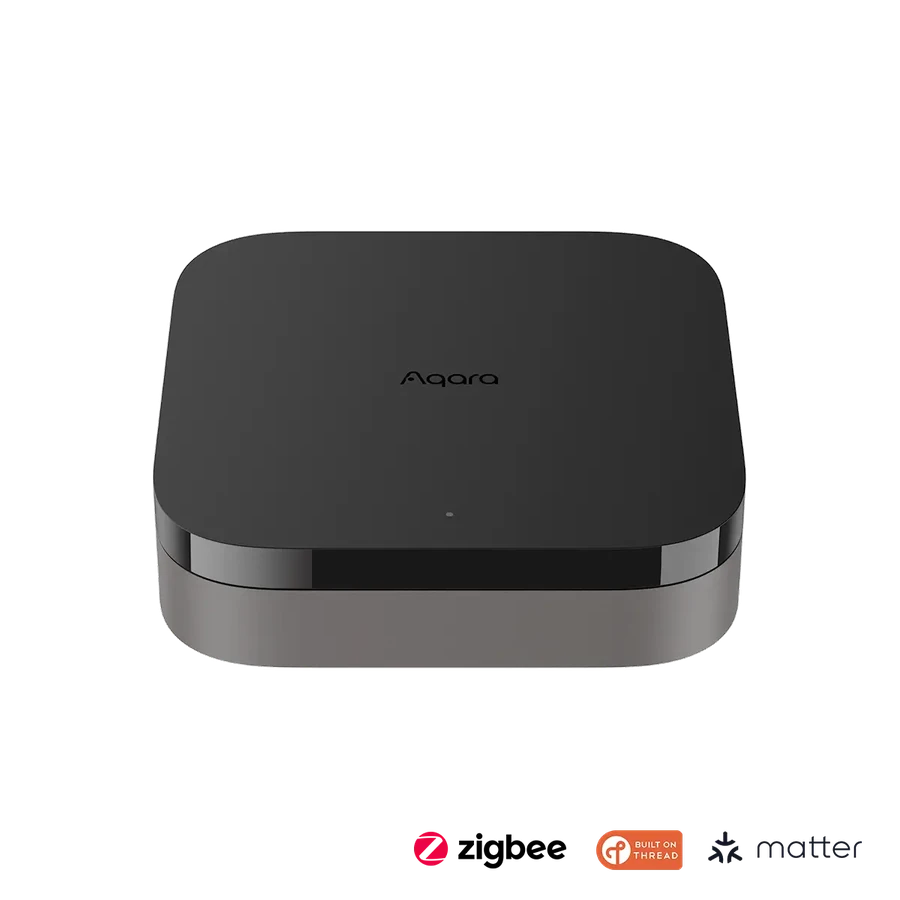
Aqara Hub M3
A control starting point for supported Aqara devices.
Before buying: Review supported child devices, bridge functions, network and power. A shared protocol does not guarantee every feature.
Find model on Amazon CA ↗Configure four basement light sections and keep two physical guest controls.
Selected devices from this configuration · verify the seller’s model, version and pack.
Establish working manual control, then limit triggers to the intended times and areas. Walk each route to check detection range, low brightness and shutoff delay.
4 models / 11 planned units. Reuse existing compatible equipment after checking it. Confirm accessories, power supplies and installation separately.
As an Amazon Associate I earn from qualifying purchases. Links open a model search: check the seller, regional version, pack size, shipping and returns. Items are purchased separately; these are not official Amazon kits.
A control starting point for supported Aqara devices.
Before buying: Review supported child devices, bridge functions, network and power. A shared protocol does not guarantee every feature.
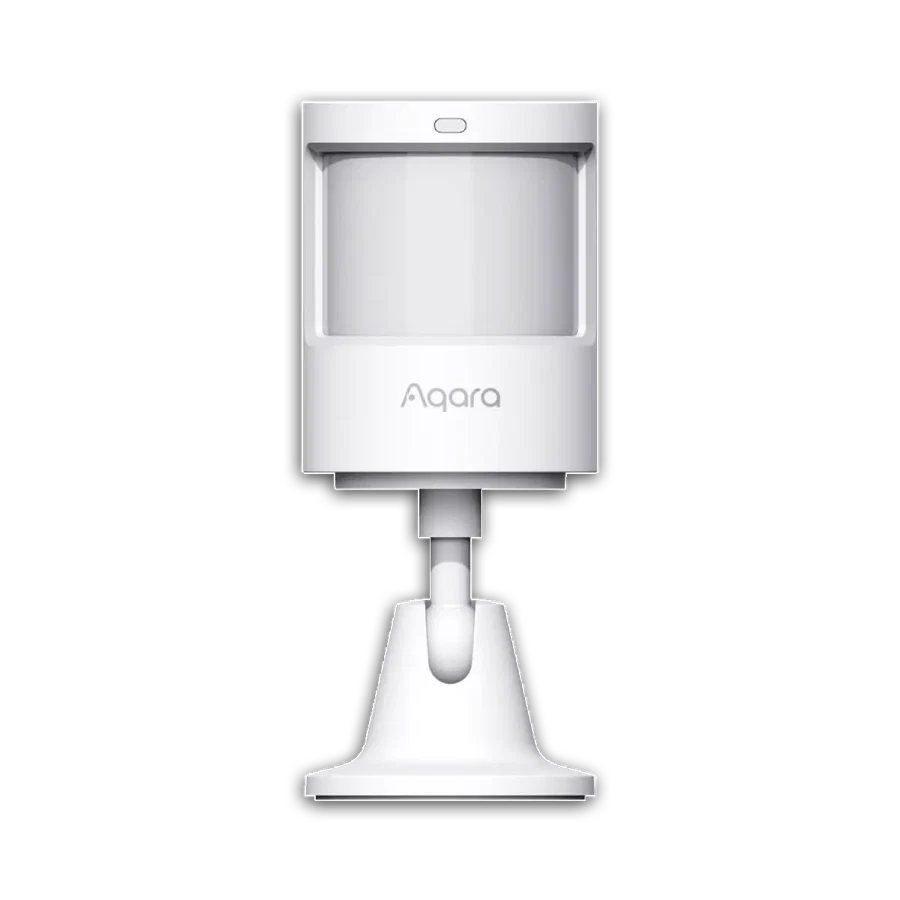
Find model on Amazon CA ↗Trigger a planned routine when movement is detected.
Before buying: Needs a compatible Aqara hub. Confirm supported features and account region.
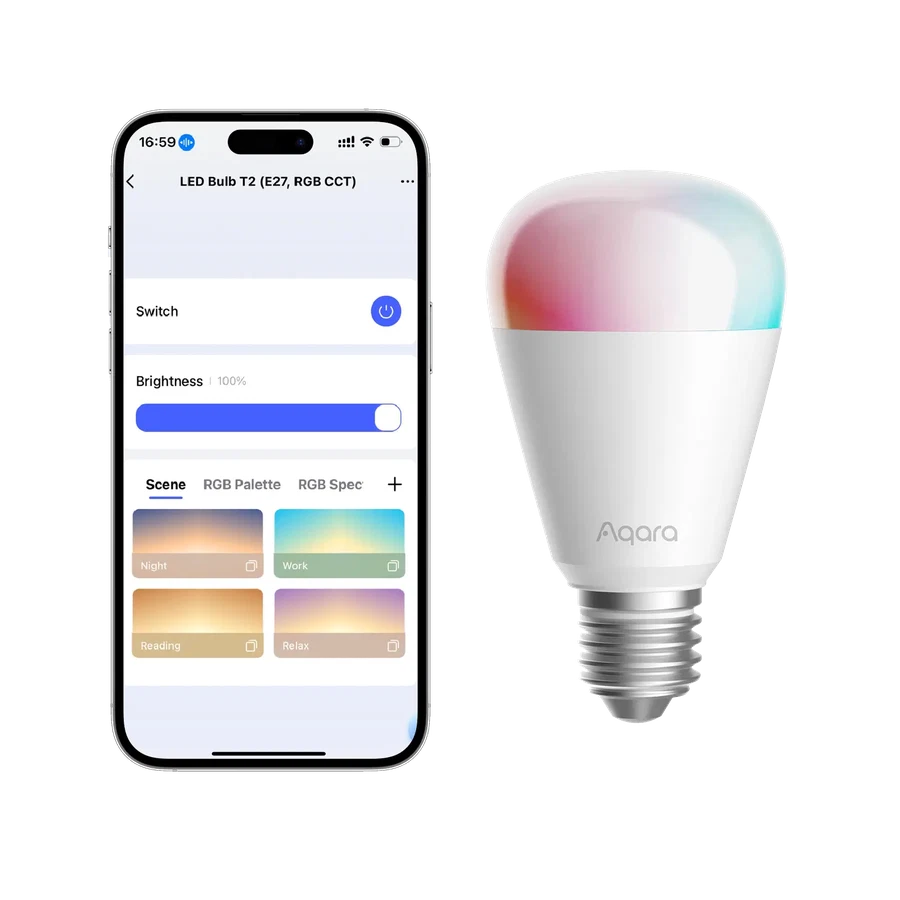
Find model on Amazon CA ↗Set color and warm-to-cool white light in an E26 lamp.
Before buying: Choose Zigbee with an Aqara hub, or Thread with a Matter controller and border router. Keep wall power on; do not place a smart bulb on a conventional dimmer.
Find model on Amazon CA ↗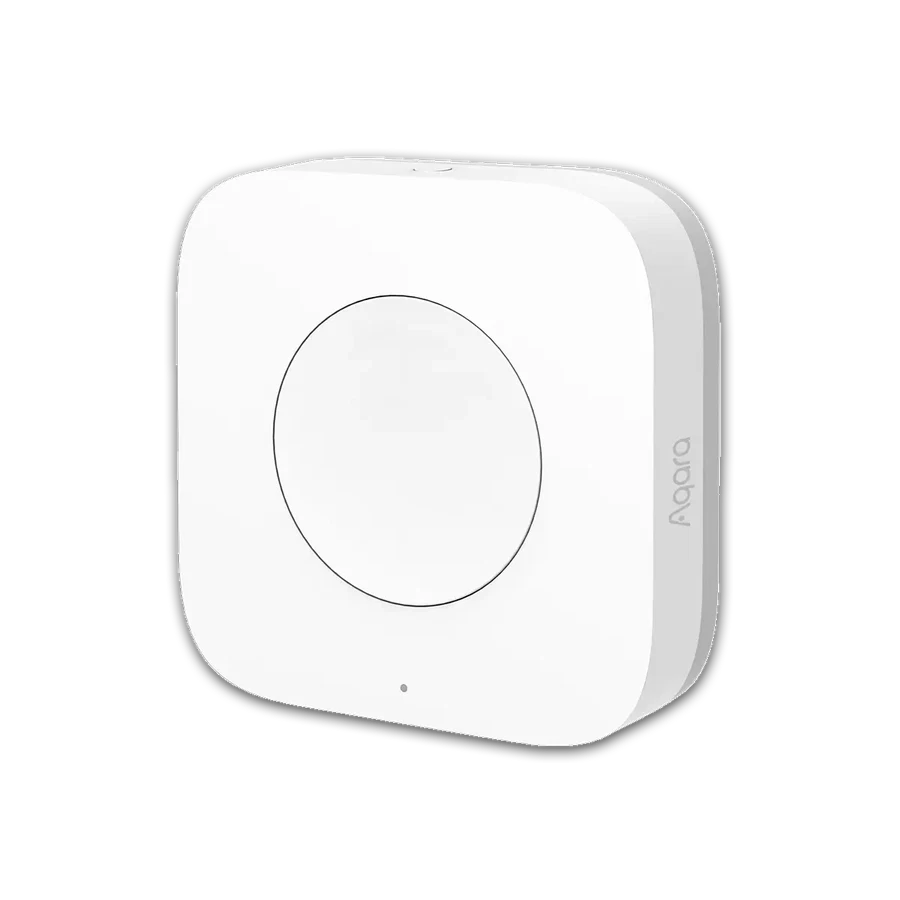
Give a useful scene a familiar physical button.
Before buying: Needs a compatible Aqara hub. Confirm supported features and account region.
Find model on Amazon CA ↗Four basement lighting sections Aqara Hub M3 × 1 Aqara Motion Sensor P1 × 4 Aqara LED Bulb T2 (E26 RGB CCT) × 4 Aqara Wireless Mini Switch × 2