The door hardware may not fit
The door hardware may not fit: a task-based checklist covering door measurements, hardware version, authorised access list, item fit, setup and purchase checks.
Read the checklistWork through a specific smart-lock and entry planning task: record the constraints, compare the options, then choose what the job actually needs.
The door hardware may not fit: a task-based checklist covering door measurements, hardware version, authorised access list, item fit, setup and purchase checks.
Read the checklistDeliveries interrupt work: a task-based checklist covering door measurements, hardware version, authorised access list, item fit, setup and purchase checks.
Read the checklistGuests need clearer arrival information: a task-based checklist covering door measurements, hardware version, authorised access list, item fit, setup and purchase checks.
Read the checklistVisit our Vancouver or Los Angeles store for a mystery gift package.
Choose products, explore project experience and define your next installation with a practical equipment and handover plan.
1,000+ successful projects · Projects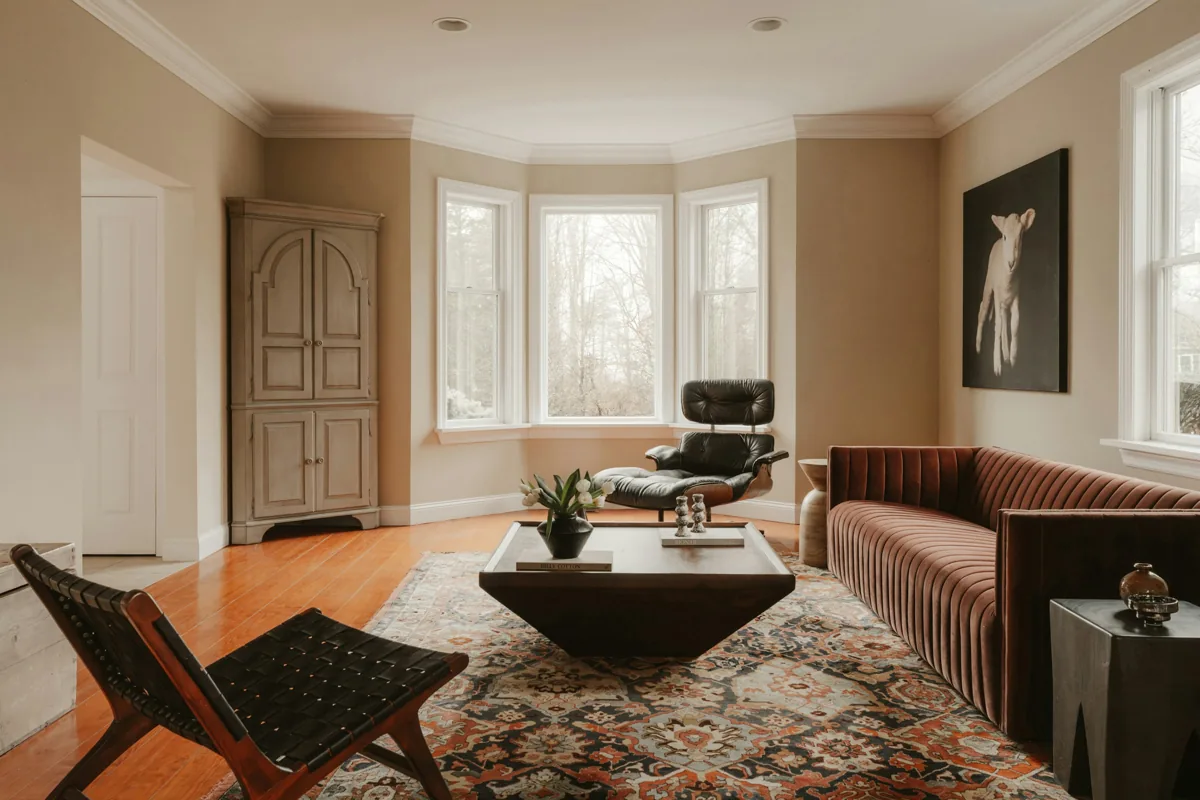
Entry, light and comfort — with manual control and a clear recovery path.
Choose a product, compare a setup or explore selling and store cooperation. New buying guides are available in English and Chinese.
Cumulative project figure supplied by SmartAccess. Client names and exact addresses are withheld.
Choose your role to explore the planning work, handover documents and equipment worth discussing.
Set a common standard, validate a pilot, then plan each home.
Planning outputsMatch the upgrade to the wiring, installation conditions and work schedule.
Planning outputsCheck the door fit and define installation, commissioning and after-sales responsibilities.
Planning outputsClarify controllers and protocols before coordinating automations and handover.
Planning outputsPlan day-to-day operation around permissions, alarm response and maintenance.
Planning outputsKeep regional models, procurement stages and support responsibilities clear.
Planning outputsCandidate configurations. Models, installation conditions and service scope must be confirmed for each project.
Licensed interior photography edited into short motion films.
Choose a function to see how a requirement becomes a device specification.
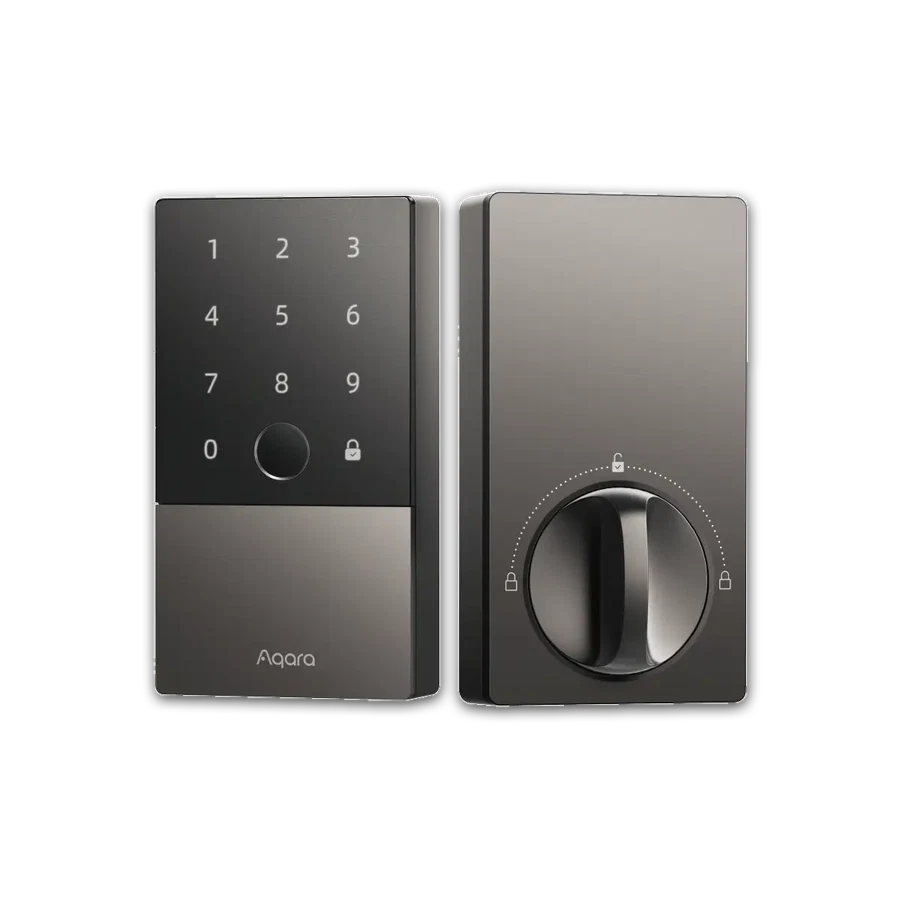
Fingerprint and keypad entry with a physical backup.
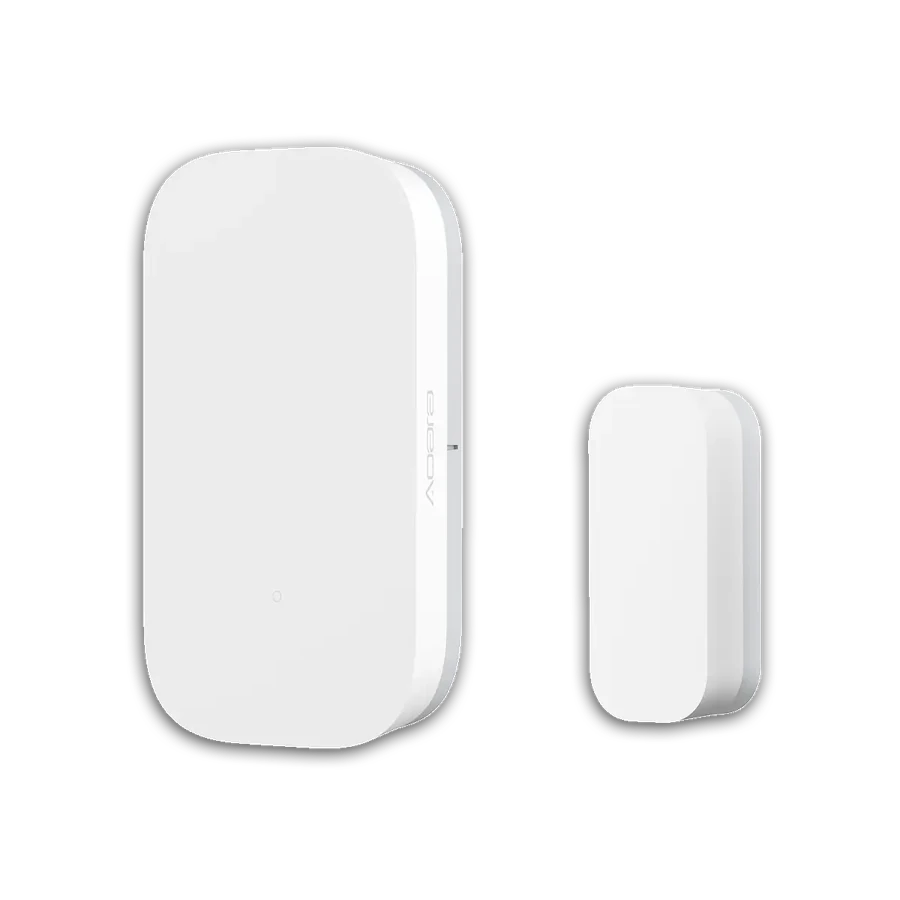
Measure door, bore and backset. Remote features need a compatible Aqara hub; keep a physical fallback.
Motion study made from licensed interior photographs; not project-site footage. View image credits ↗
Illustrated logic only. Hubs, protocols, wiring and automation conditions must be confirmed for the selected models.
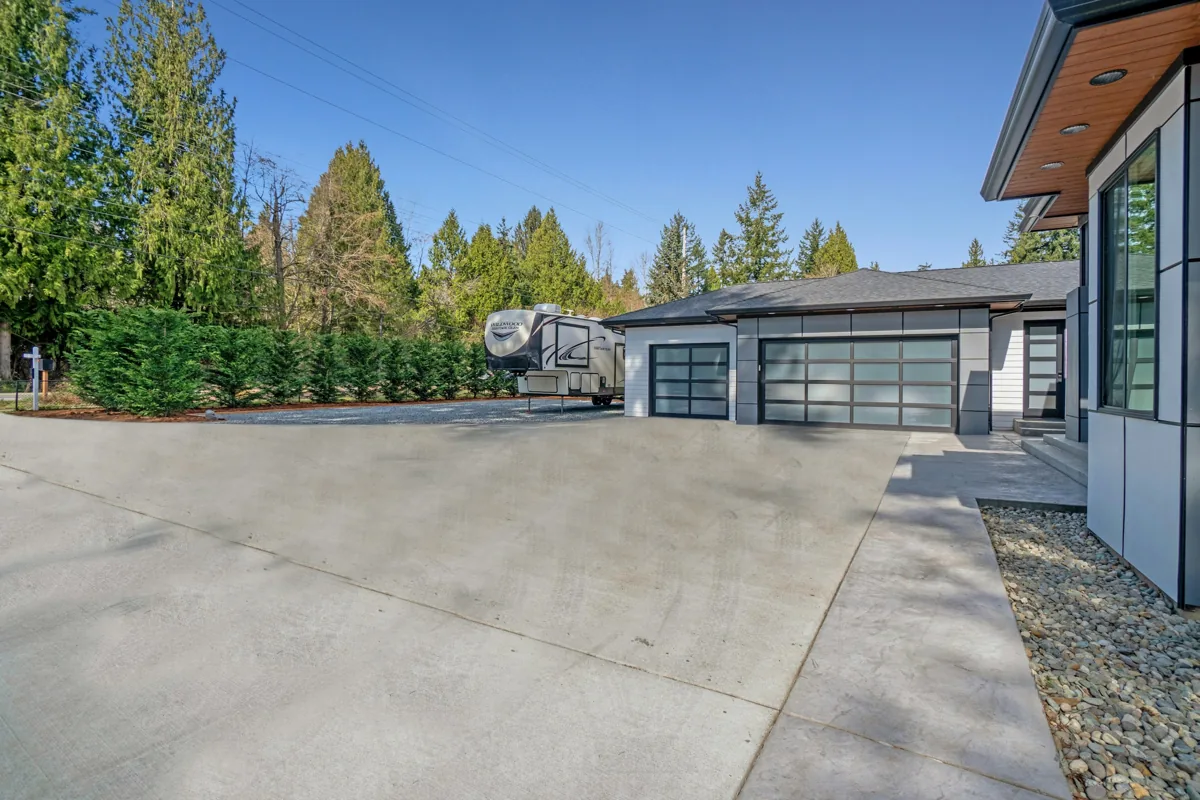 01
New community in Ontario · 24 homes
A consistent smart-entry specification for 24 homes, combining an Aqara U100 lock, door and window sensing, and an entry-lighting scene in each home. Equipment, account ownership and resident instructions were organized by unit.
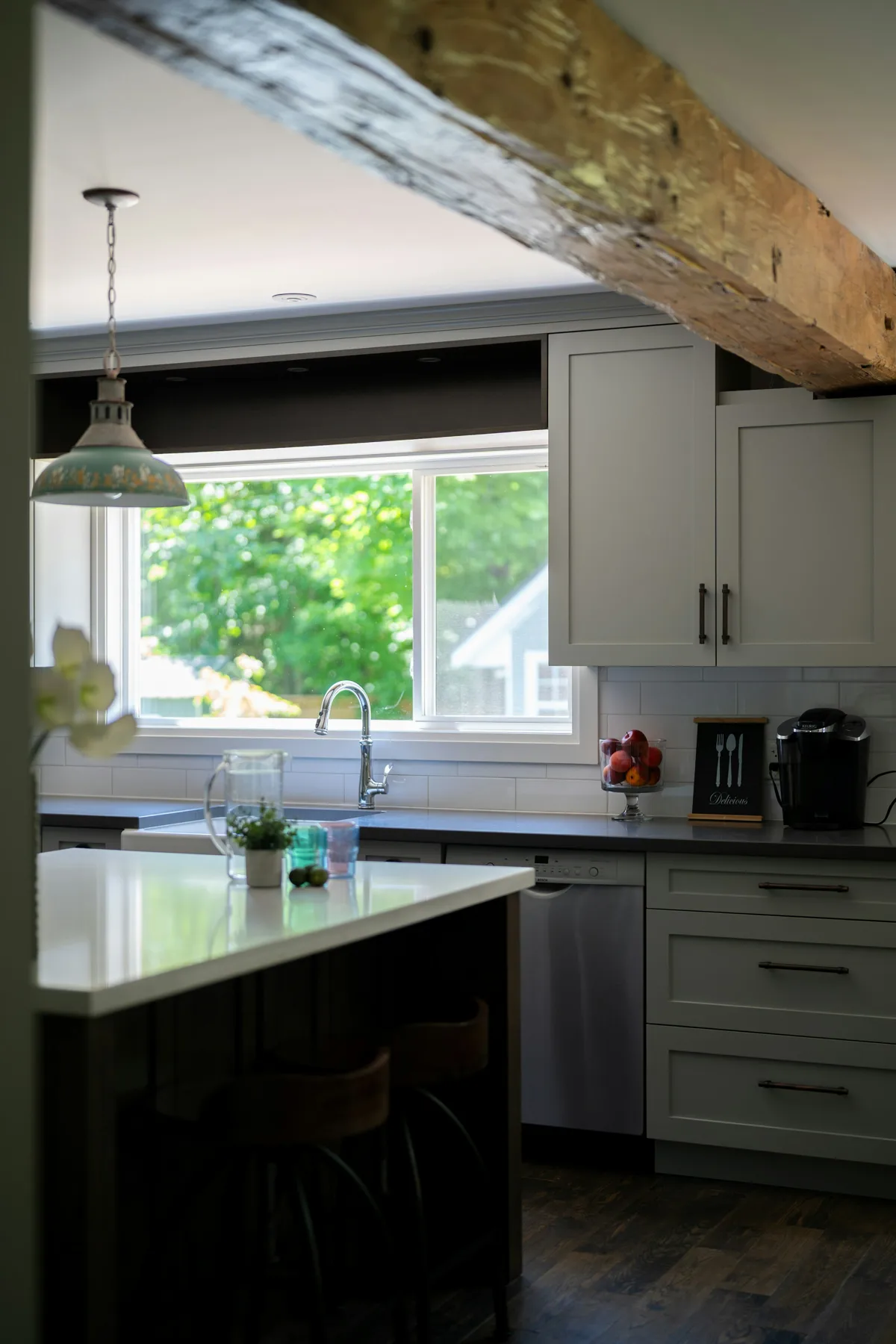 07
Vancouver · Detached-home renovation
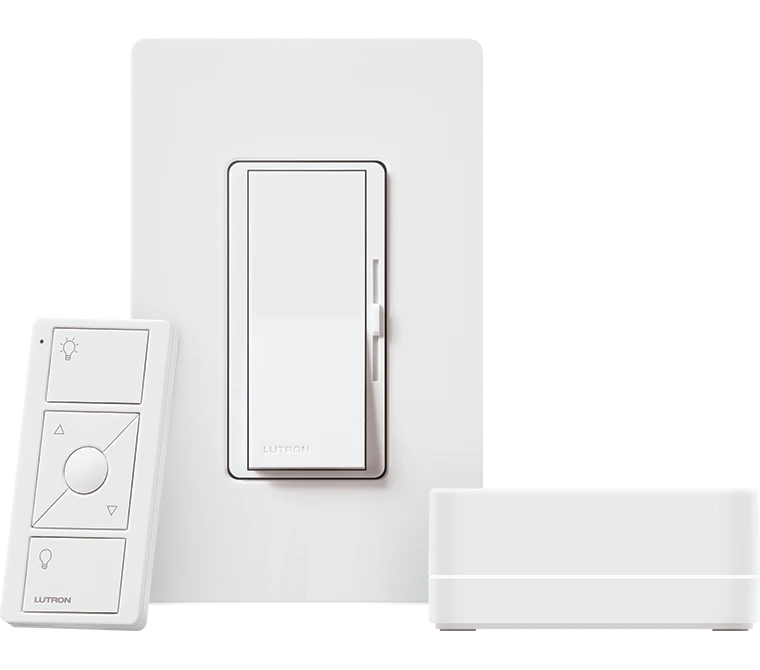
Lutron Caséta whole-home dimming, ecobee climate zoning and FP2 presence sensing in key rooms were planned alongside the renovation schedule, including site-condition checks and equipment installation milestones.
 29
Canada and United States · One home in each country
A common equipment register was prepared for one Canadian and one US home, while keeping accounts, regional models and CA / CAD versus US / USD references distinct, with defined alert recipients and remote-maintenance arrangements.
Licensed setting photograph · illustration, not a photograph of this project.
Fingerprint and keypad entry with a physical backup.
Bluetooth / Zigbee 3.0Price at your selected retailer
Plan presence-based routines for defined room zones.
Wi-Fi 2.4 GHzPrice at your selected retailer
Price at your selected retailer
Product details
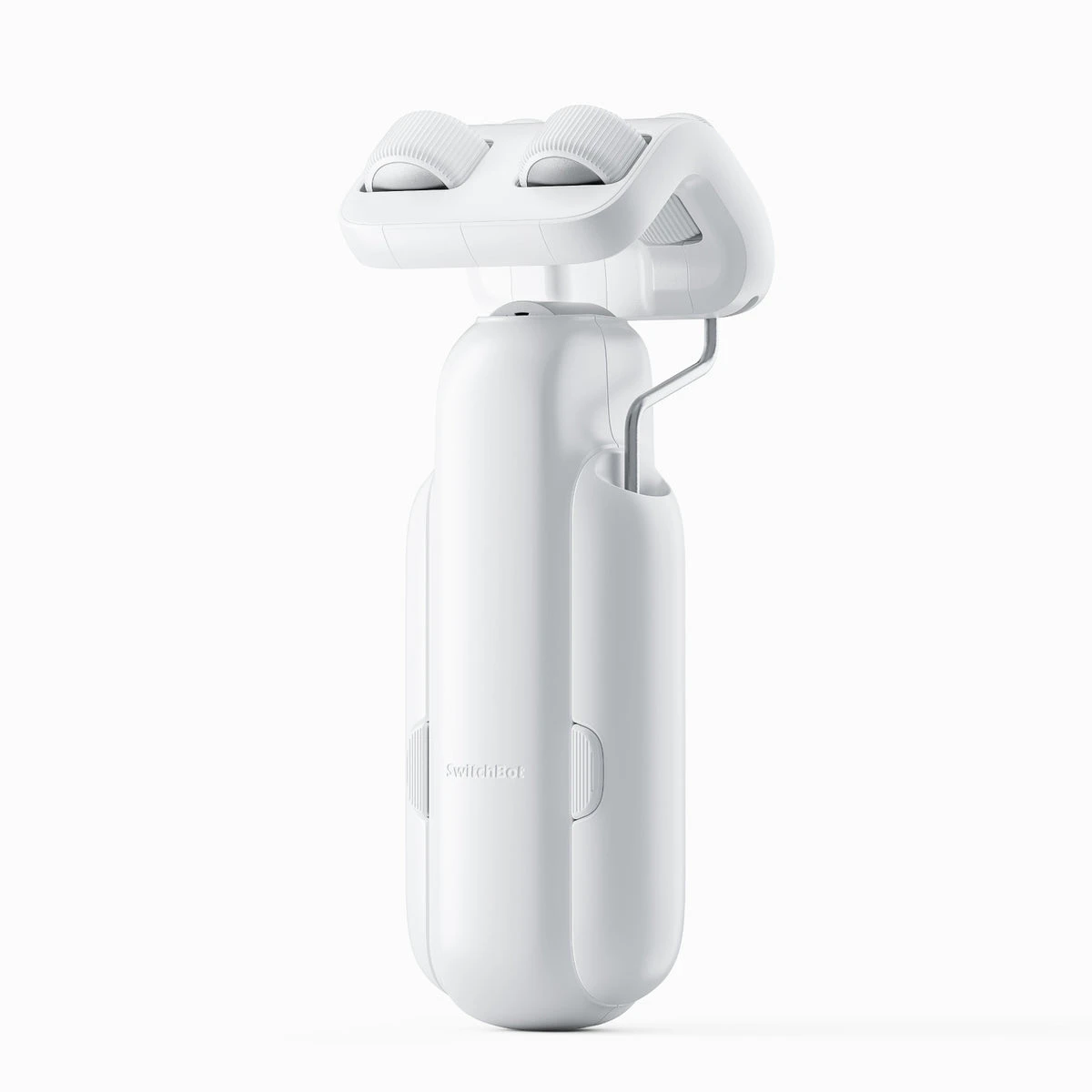
Retrofit a suitable curtain with a motorized opener.
Bluetooth / Matter via hubPrice at your selected retailer
Price at your selected retailer
Product details
Keep a familiar wall control while adding smart lighting.
Clear ConnectPrice at your selected retailer
Price at your selected retailer
Product details
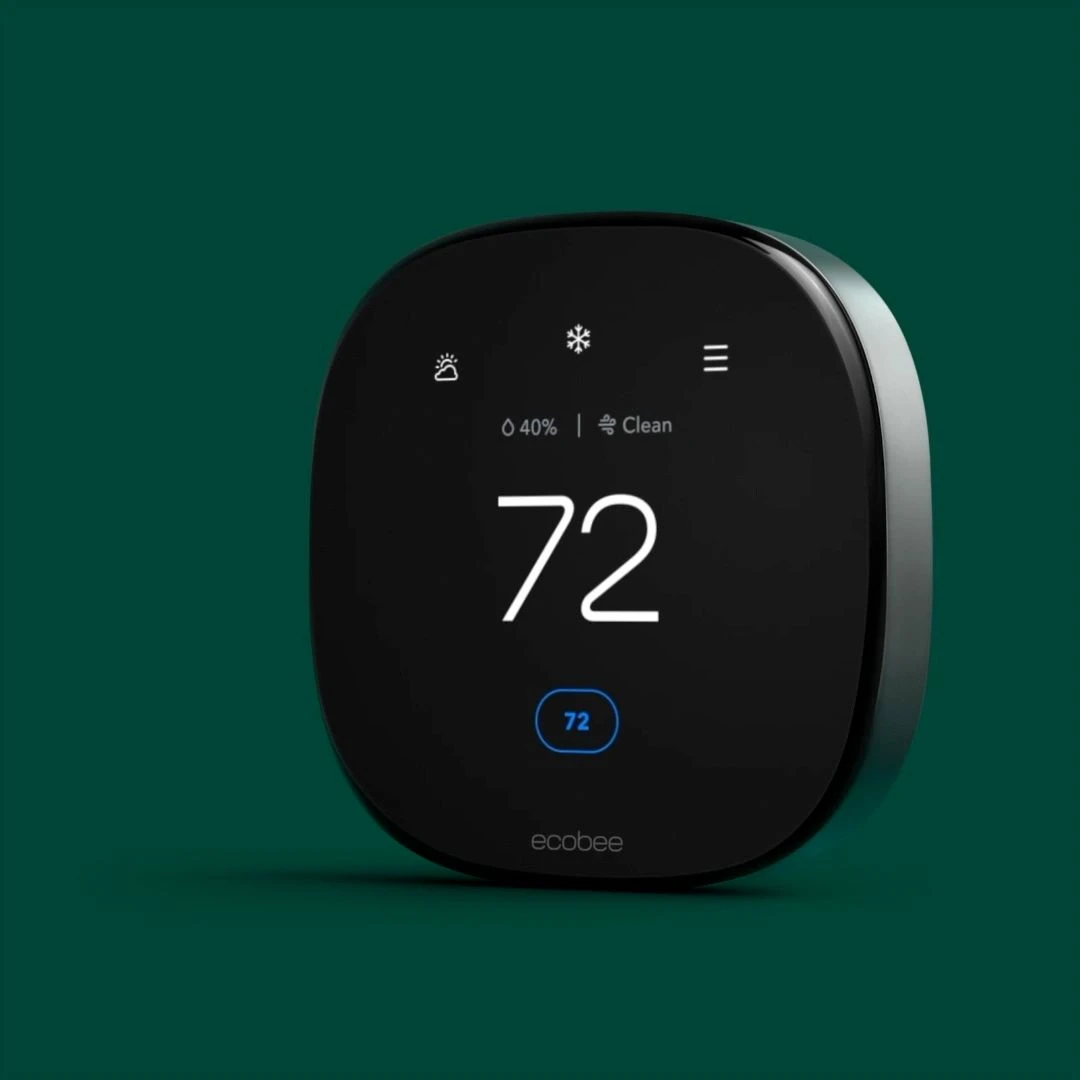
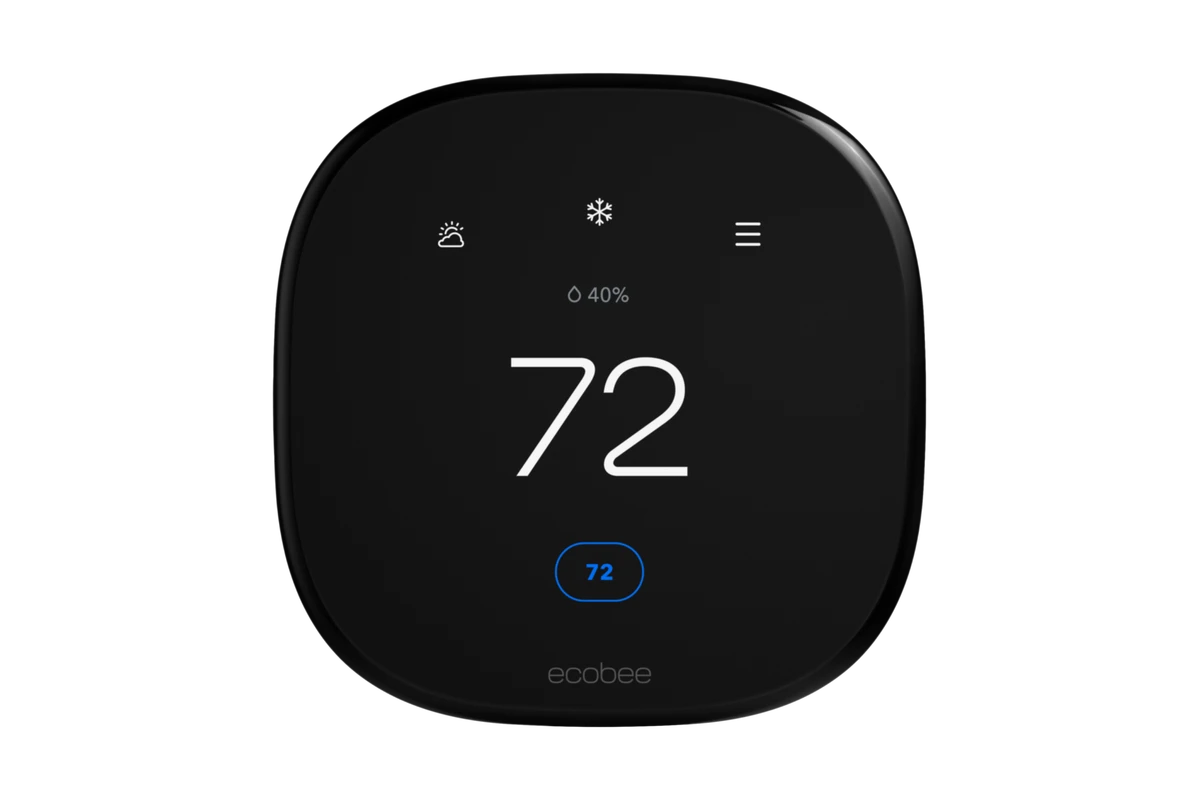
Plan temperature schedules around a compatible HVAC system.
Wi-FiPrice at your selected retailer
Price at your selected retailer
Product details
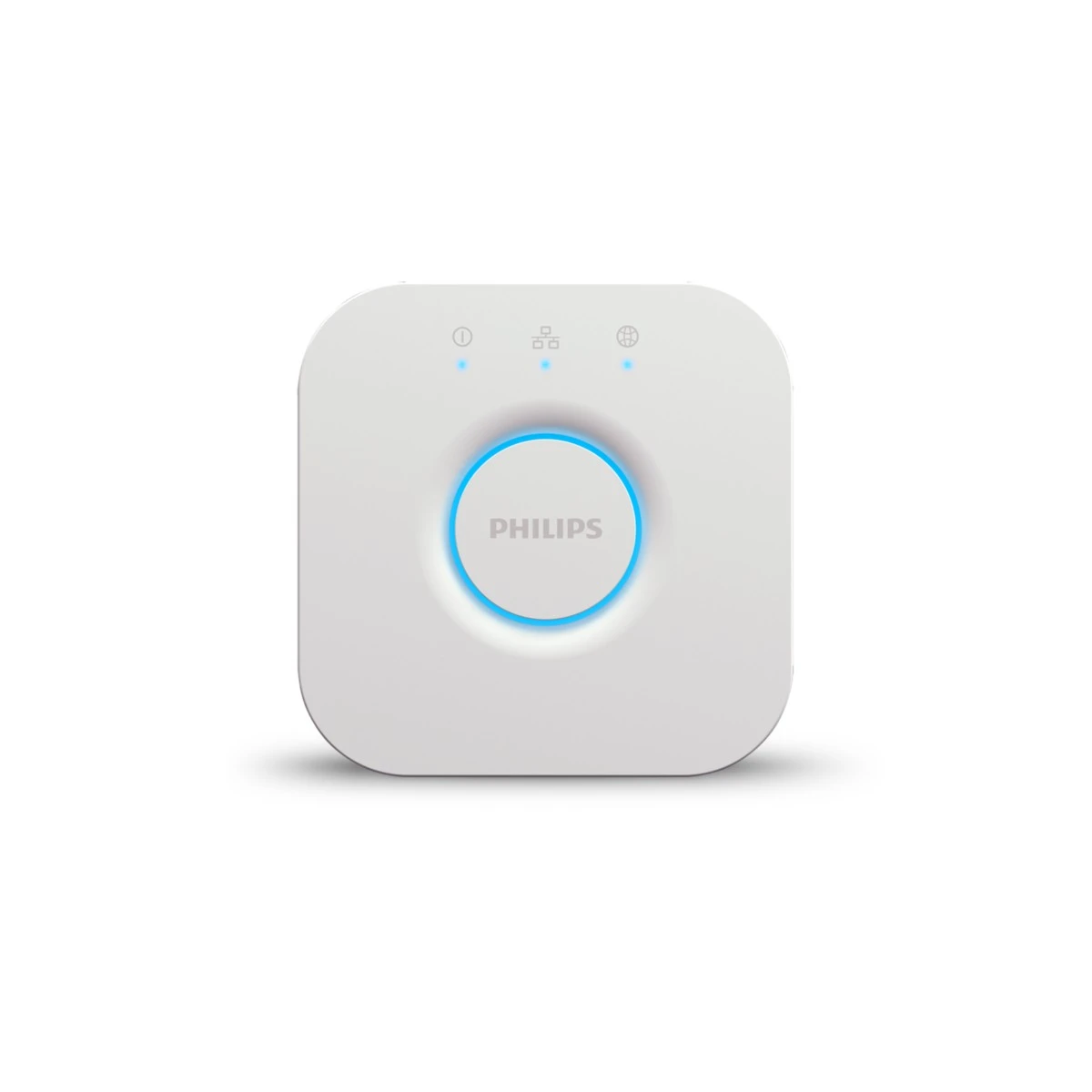
Bring supported Hue lights into one lighting system.
Zigbee / EthernetPrice at your selected retailer
Price at your selected retailer
Product details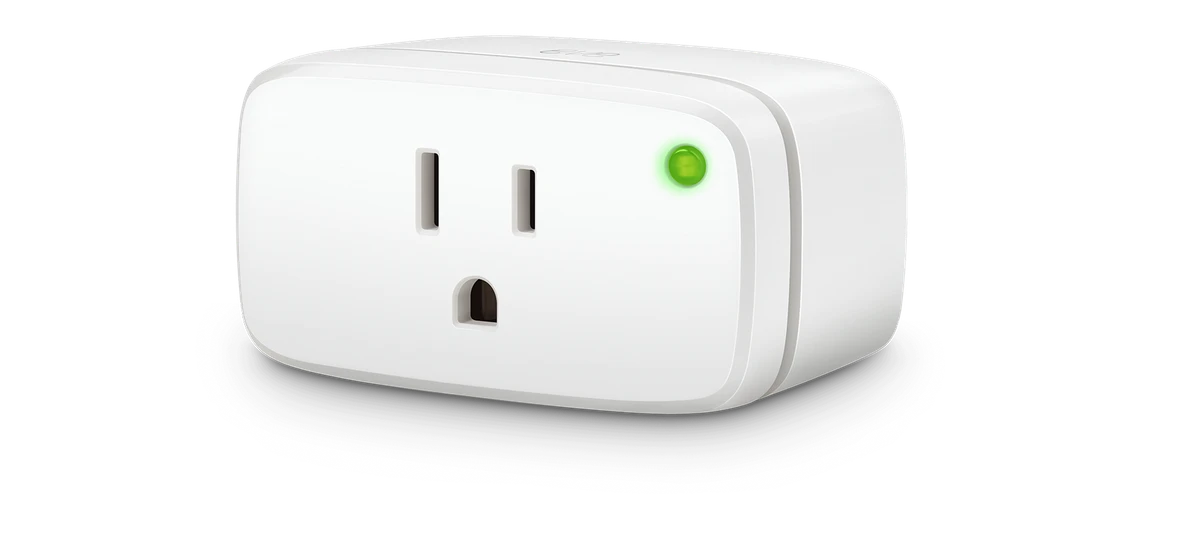
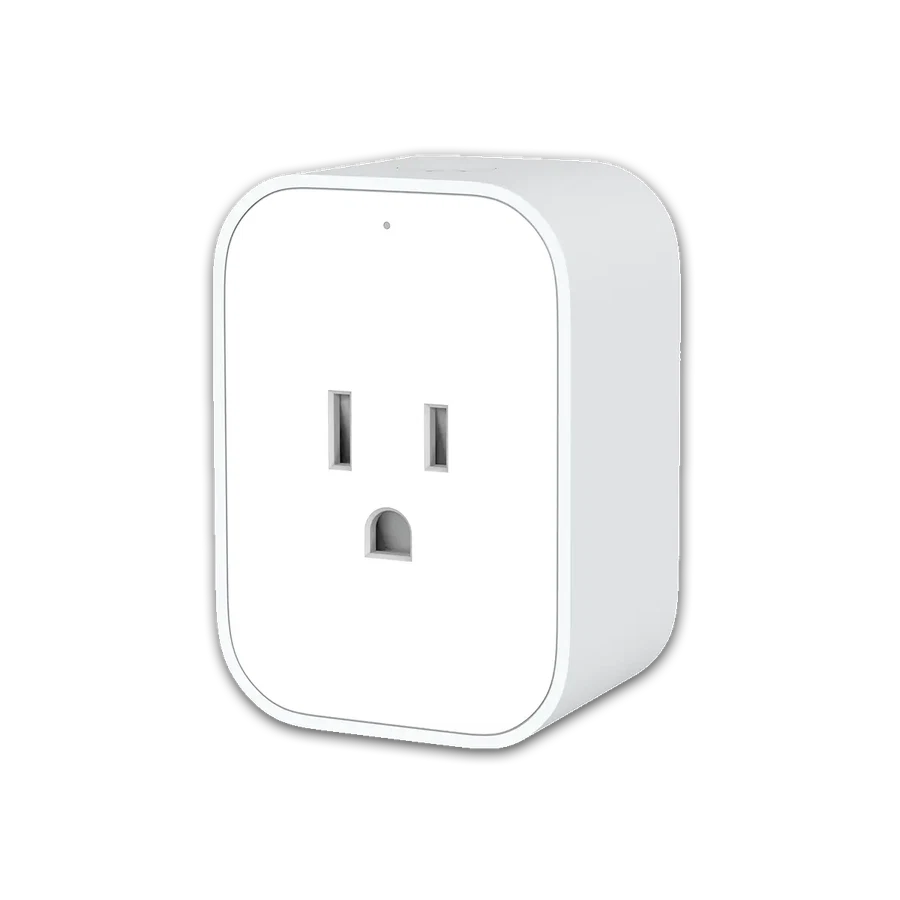
Switch a plug-in appliance and review its energy use.
Matter over ThreadPrice at your selected retailer
Price at your selected retailer
Product details
Watch a porch, side passage or indoor room.
Wi-Fi 2.4 GHzPrice at your selected retailer
Price at your selected retailer
Product detailsChoose the support your project needs. The proposal confirms the documents, work items and responsibilities included.
Match regional models, controllers and accessories to the space and the functions you want.
Explore project servicesTurn a room or unit schedule into equipment quantities, prerequisites and a comparable quotation scope.
Explore project servicesDefine triggers, actions, manual operation and acceptance checks before repeating a setup.
Explore project servicesRecord device ownership, access roles, operating instructions and the agreed support boundary.
Explore project servicesSet the base package, optional upgrades and handover standard before procurement and wall close.
Discuss a development specification ↗Resolve wall-box, lamp and curtain-track conditions before committing to the finished design.
Plan a renovation upgrade ↗Quote the door preparation, access roles and recovery routine alongside the lock.
Review a door and access scope ↗Specify the actions and recovery behavior the client needs, then verify how each controller and bridge supports them.
Define an integration scope ↗Build a repeatable process for tenant turnover, identified alerts and maintenance ownership.
Plan a property workflow ↗Demonstrate a useful use case with the required accessories, supported functions and agreed support scope.
Discuss a trade proposal ↗
Measurements, existing hardware, account ownership and acceptance checks.
Read guide ↗Separate equipment, site work, configuration and handover.
Read guide ↗
Define roles, expiry, revocation and the next operator.
Read guide ↗
Separate door, power, network and account failures.
Read guide ↗
Test the entrance with the people who use it.
Read guide ↗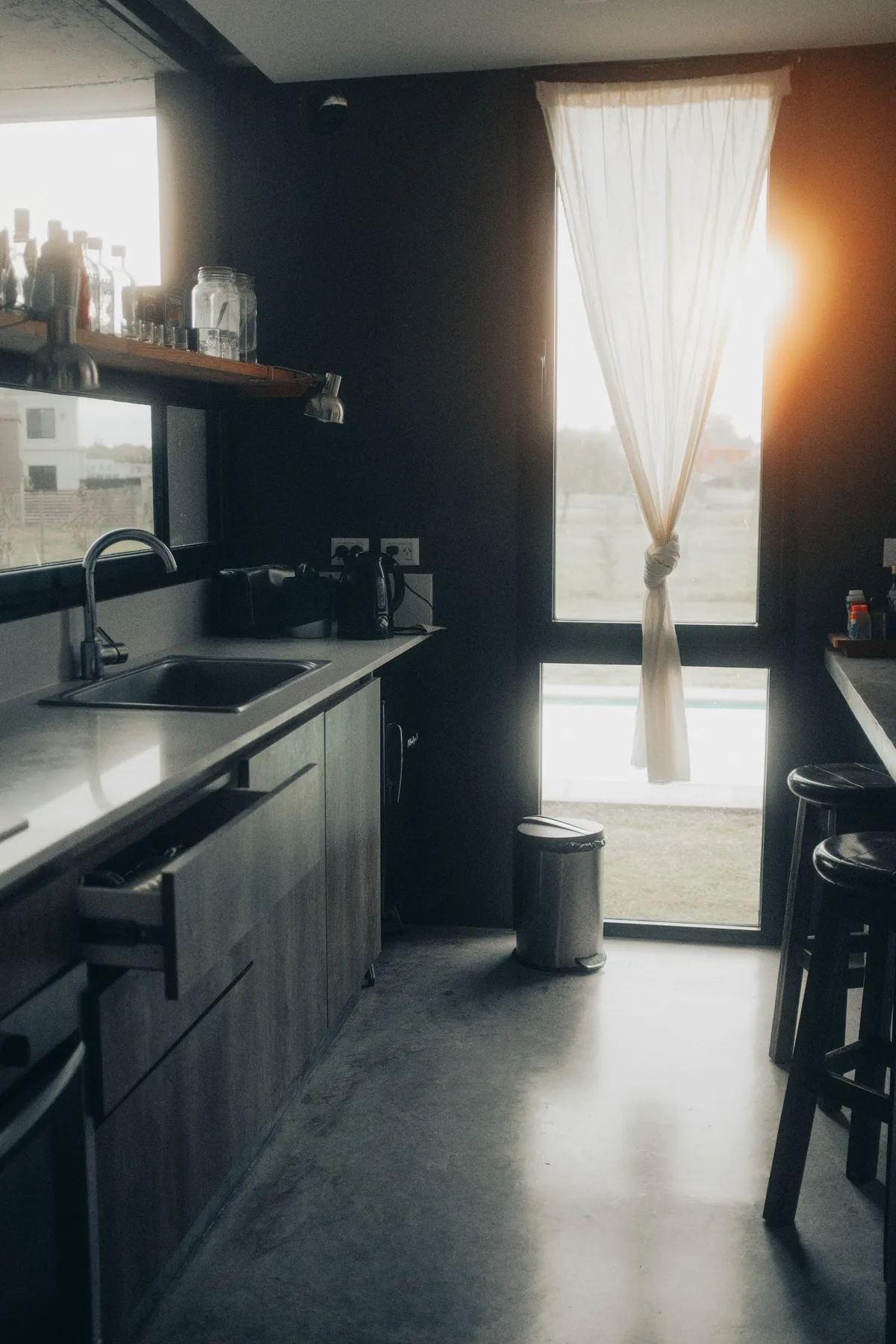
Record devices, ownership, changes and support responsibilities.
Read guide ↗Choose the country and tell us the property type, project stage, scale and the functions that matter most.
Review model options, dependencies, quantities and work items. Identify what still needs a site check or a product test.
Confirm test criteria, installation arrangements, account ownership and the documents needed for handover.
Select your market, project type and priorities. Get a starting equipment shortlist and a brief you can take into a project discussion.
SmartAccess reports that many of its partners are seeing their local businesses improve.
Our support centres on the work behind every project: choosing suitable products, defining delivery, and keeping clear service records after handover.
Discuss working togetherBusiness update supplied by SmartAccess
Results vary by market and team. Revenue and lead volumes are not guaranteed.
Models, installation conditions and procurement planning.
Equipment lists, commissioning checks and client handover.
Device records, maintenance planning and clear ownership.
SMARTACCESS / 200 PRACTICAL SETUPS
200 bilingual configurations for access, leaks, lighting, curtains and renovations, with quantities, fit checks and Amazon Canada/US links.
Explore 200 setups & shopping lists →Start with the slowest or most awkward step in smart-lock and entry planning. Check what existing items can do, then buy the item with a clearly defined job before adding accessories.
Keep door measurements, hardware version, authorised access list in one checklist. Add usable dimensions, existing device versions and the intended location. Resolve unknowns from instructions rather than estimating size from photographs.
Choose by delivery address. Each entry uses the corresponding Amazon marketplace link. Check currency, seller, delivery and returns on the selected marketplace.
These are item-by-item shopping plans rather than a single bundled SKU. Buy only the parts you need; inclusion in a plan does not establish compatibility or imply that fittings are included.
Model searches help compare a named product; category entries let you choose specifications. A result does not establish the seller, availability or lowest price. Confirm the variant before ordering.
Keep packaging and order records, follow the instructions and repeat the original task. Check access, circulation and unnecessary steps. Revisit placement and specifications before buying more.
+86 13162319758