 SmartAccess
Planned quantity × 1
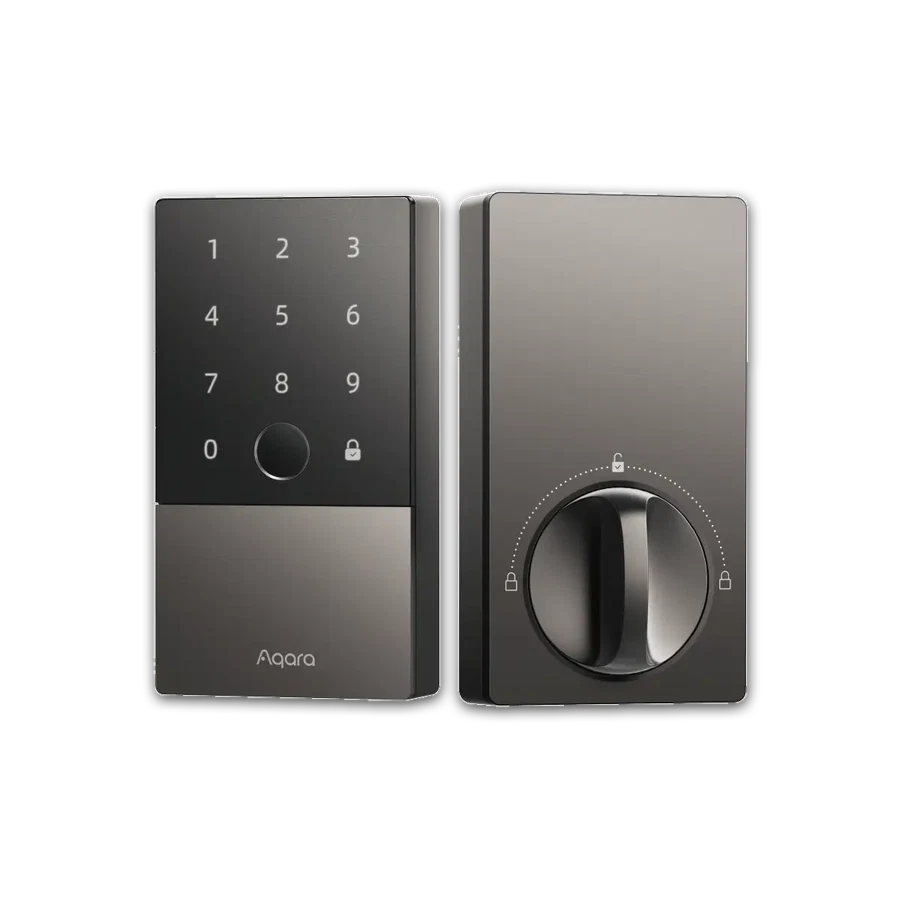
Aqara Smart Lock U100
Fingerprint and keypad entry with a physical backup.
Before buying: Measure door, bore and backset. Remote features need a compatible Aqara hub; keep a physical fallback.
Find model on Amazon CA ↗A cleaner needs scheduled access without sharing a permanent family key.
Selected devices from this configuration · verify the seller’s model, version and pack.
Fit the lock, assign individual access and test backup entry. If contacts are listed, check door-position notices separately. Retain physical control for listed lights and name additional sensors by location.
3 models / 3 planned units. Reuse existing compatible equipment after checking it. Confirm accessories, power supplies and installation separately.
As an Amazon Associate I earn from qualifying purchases. Links open a model search: check the seller, regional version, pack size, shipping and returns. Items are purchased separately; these are not official Amazon kits.
Fingerprint and keypad entry with a physical backup.
Before buying: Measure door, bore and backset. Remote features need a compatible Aqara hub; keep a physical fallback.
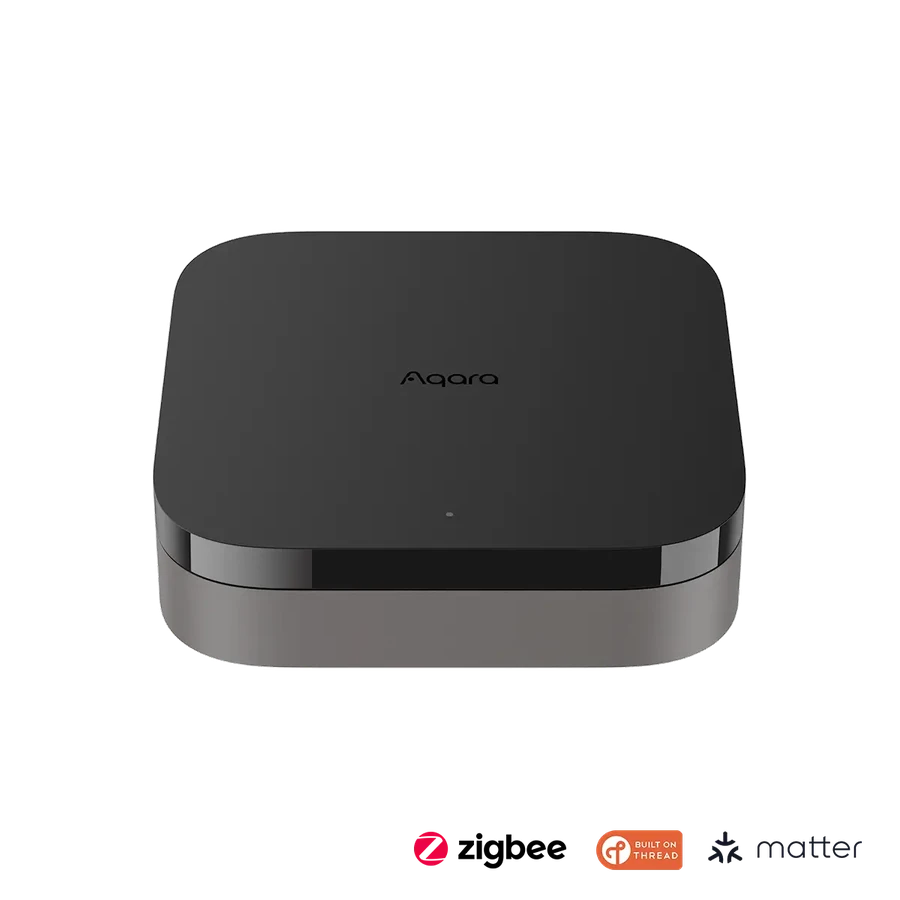
Find model on Amazon CA ↗A control starting point for supported Aqara devices.
Before buying: Review supported child devices, bridge functions, network and power. A shared protocol does not guarantee every feature.
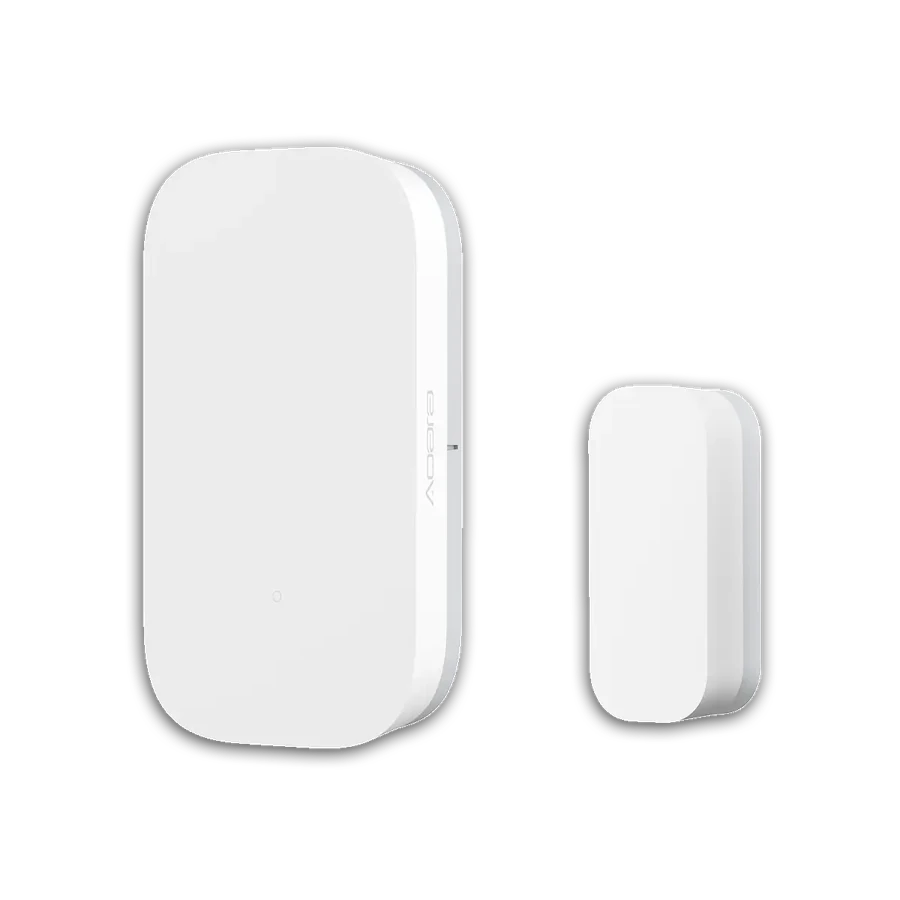
Find model on Amazon CA ↗Use an opening event in your chosen automations.
Before buying: Needs a compatible Aqara hub. Confirm supported features and account region.
Find model on Amazon CA ↗Cleaner key handover Aqara Smart Lock U100 × 1 Aqara Hub M3 × 1 Aqara Door and Window Sensor × 1